




Transform Your Drive With VW App-Connect Apps
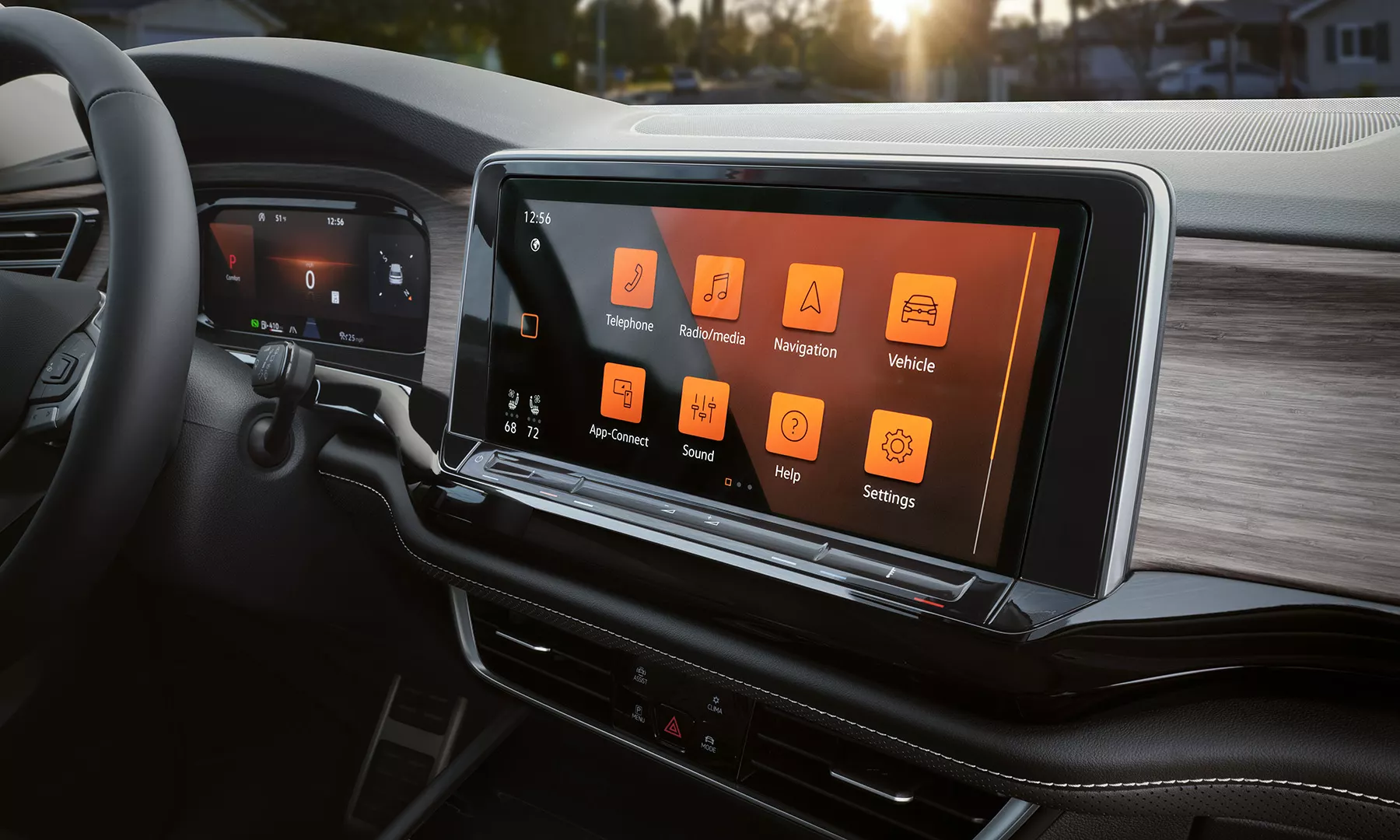
Photo Source/Copyright: Volkswagen
Volkswagen App-Connect turns your dashboard touchscreen into an extension of your smartphone. However, which specific applications will actually function with VW App-Connect while you drive? Through Apple CarPlay and Android Auto, the feature mirrors the phone attributes you rely on most, so you can navigate, communicate, and listen to audio without reaching for your device. The technology comes standard on most current Volkswagen models. This guide covers how App-Connect works, which kinds of apps you can use, how wired and wireless connections differ, and how to get connected quickly.
How Does Volkswagen App-Connect Work?
App-Connect is a built-in feature, not an app you download. It links a compatible smartphone to the infotainment system and projects a simplified version of the phone onto the screen. Two interfaces make this possible: Apple CarPlay for iPhone users and Android Auto for Android users.
Both put your maps, calls, messages, and music in clear view, and both respond to voice commands through Siri or Google Assistant, keeping your hands on the wheel. You can connect in one of two ways: a data-capable USB-C cable or, on equipped models, a wireless link. Whichever method your vehicle supports, your apps appear on the display once the connection is made.
Which Apps Can You Use?
App-Connect does not run apps from the car itself, and there is no Volkswagen app store. Instead, it displays compatible apps that already live on your phone, and the list of qualifying apps is set by Apple and Google, not by Volkswagen.
This keeps the experience current because the apps update on your phone, not in the dashboard. It helps to think in terms of categories rather than a fixed roster. The apps that appear tend to fall into a few familiar groups:
- Navigation and maps → turn-by-turn directions, live traffic, and rerouting from your preferred mapping app.
- Messaging and calls → read-aloud texts, voice replies, and hands-free phone calls.
- Music and audio → streaming services, podcasts, and audiobooks routed through the vehicle’s speakers.
- News and information → briefings and other spoken-word content for the drive.
Within each category, you simply use the apps you have already installed and signed into, exactly as you would on the phone in your pocket.
What Distinguishes a Wireless vs. Wired Connection?
Every model with App-Connect supports a wired connection. You plug a data-capable USB-C cable into the data port, and the system recognizes your phone within seconds. A charge-only cable won’t work, since the port needs to move data, not just power.
Newer models and higher trims add wireless App-Connect, which pairs your phone via Bluetooth and Wi-Fi the first time and then reconnects automatically afterward. Wireless availability is tied to VW Connect–capable hardware and varies by model and trim, so it’s worth confirming on the specific vehicle you have in mind; either way, App-Connect runs only certified apps while you drive, a safeguard designed to limit distraction.
How Is the Setup?
Getting connected takes only a moment. Start by making sure your phone’s software is up to date and that Bluetooth and Wi-Fi are enabled. For a wired setup, plug a data-capable cable into the data USB port and confirm the prompt on the touchscreen. For a wireless setup, open the connection menu on the display, select your phone, and approve the pairing request on both devices.
After the first pairing, your vehicle remembers the phone and reconnects automatically afterward. Keep the myVW app distinct: myVW handles remote and ownership features from your phone, while App-Connect handles smartphone mirroring inside the car. To confirm whether a specific model offers App-Connect or wireless support, check with Southern Volkswagen Greenbrier.
Ready to See App-Connect in Action?
Our team can pair your phone, walk you through CarPlay or Android Auto, and point you to the models that fit your driving style. Visit us for a hands-on demonstration or ask which vehicles offer the wireless setup you want. We’re happy to help you get connected.
More From Southern Volkswagen Greenbrier
What to Expect from VW Electric Vehicles
Photo Source/Copyright: Edmunds One SUV. That’s the Volkswagen electric vehicle (EV) story right now, and honestly, it makes shopping a lot easier. If you’ve been looking into VW electric vehicles, every road leads straight to the ID.4. No sorting through a pile of overlapping models. No second-guessing which one is the real deal. You…
Top Reasons to Own the 2026 VW Atlas
Photo Source/Copyright: Volkswagen Three rows and seven seats are usually enough to close the deal for busy parents, and Volkswagen clearly gets that. Rather than tearing up a winning formula, the 2026 VW Atlas doubles down on predictability. You get a settled design, a single engine choice across the lineup, and a trim…
Unlocking Value in the Volkswagen Atlas SEL
Photo Source/Copyright: Edmunds Three rows, one turbo four, and five ways to spec it. Somewhere in the upper-middle of that ladder sits the trim most families end up circling twice: the Volkswagen Atlas SEL. This is where VW’s full-size SUV quits feeling strictly practical and starts feeling like something you would pick even with…